
AI Automation and Chatbots in Chula Vista and San Diego
AI automation uses chat assistants and automated texts to answer questions, capture leads and book appointments when your team cannot. WebSEO.pro sets up AI chatbots and automations for contractors and home service businesses in Chula Vista and San Diego, limited to your approved answers and handing off to a person when it matters.
- Free audit
- No contract
- Hablamos español
What's included
- Website and messaging chat assistant
- Missed call text back
- Appointment booking connected to your calendar
- Handoff to a human when needed
- Review of conversations and ongoing tuning
How it works
Step 1
Learn
We gather your FAQs, services, and booking rules.
Step 2
Build
We set up the assistant and automations.
Step 3
Test
We test real scenarios before going live.
Step 4
Tune
We review conversations and improve answers.
What can an AI assistant handle for a service business?
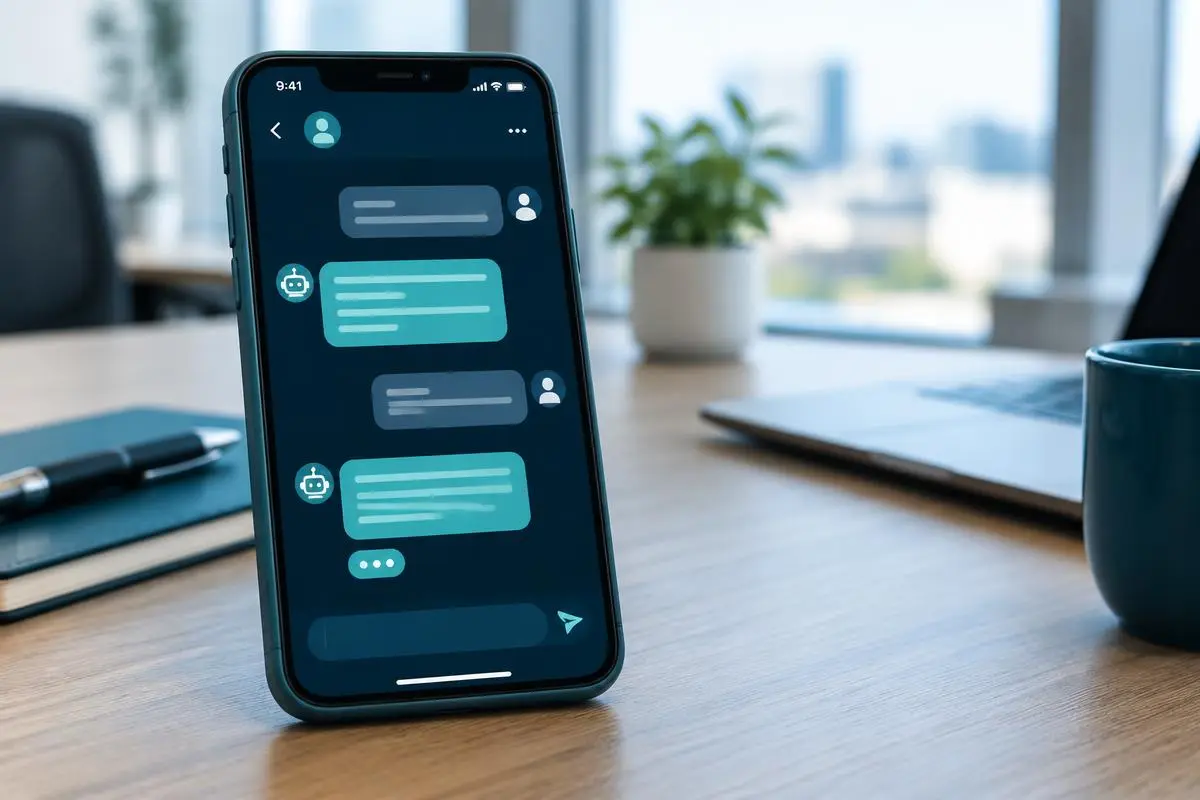
An AI assistant is best at the repeat questions your office answers every day. It can greet a website visitor at 10 at night, ask what the problem is, check whether the address is in your service area and offer open times on your calendar. It can reply on your website, by text and in social messages.
- Answering questions about services, hours and service areas
- Collecting the details your team needs before a callback
- Booking estimates or service calls into your calendar
- Sending reminders and follow up texts after an estimate
- Replying in English or Spanish
How does missed call text back work with AI?
When a call goes unanswered, the system texts the caller right away. A simple version sends one message with a link to book. An AI version can carry on the conversation, ask what they need and book the visit, then alert your team with a summary. For a contractor who is often under a sink or on a ladder, this keeps the lead from calling someone else.
What happens and when
| When | What happens |
|---|---|
| Day 1 to 2 | Kickoff to gather your FAQs, services, service area and booking rules |
| Week 1 | Assistant, missed call text back and calendar connection built in your CRM |
| Week 2 | Testing with real scenarios in English and Spanish, then go live |
| Every month | Conversation review, answer tuning and a short report on what changed |
How do you stop an AI chatbot from giving wrong answers?
AI can make mistakes, so we design for that. The assistant works from a knowledge base you approve, covering your services, areas, policies and booking rules. We tell it what not to discuss, such as exact pricing unless you choose to share it, or diagnosing problems that need a technician.
We also set handoff triggers. Emergencies, upset customers, commercial jobs and anything outside the script go to a person right away. Then we read real conversations and tune the answers on a regular schedule.
Can an AI chatbot book appointments on my calendar?
Yes, when it connects to your calendar and follows your rules. We set job types, appointment lengths, buffer time between visits and the zip codes you serve, so the assistant only offers slots that make sense. Bookings land in your CRM with the customer details attached.
Is AI automation worth it for a small business?
It depends on how many calls and messages you miss today and how fast your team replies. We look at that during your free audit. If your phone is always answered and leads are few, a simpler setup may be enough, and we will say so. We never promise a set number of extra jobs.
What shapes the scope of an AI automation project?
- Which channels the assistant covers: website, text, social or all three
- How many services, areas and booking rules it needs to know
- Whether it books directly or collects details for a callback
- Whether you already use a CRM
- How many handoff rules and alerts your team needs
- English only or English and Spanish
Why contractors choose WebSEO.pro
- AI assistants built inside the same CRM we set up for clients every week
- Approved knowledge bases and human handoff on every build
- Bilingual team that tests Spanish replies with care
- Focused on contractors and home service companies since 2011
- Regular conversation reviews instead of set and forget
AI assistants for busy South Bay and San Diego businesses
A lot of South Bay service businesses are owner operated, and the owner is also the estimator, the tech and the office. Calls that come in while you are driving between Rancho del Rey and Imperial Beach are easy to miss. An AI assistant answers those messages and gets the details, so your callback starts with the facts instead of phone tag.
Bilingual replies matter here. Many customers in Chula Vista, National City and San Ysidro write in Spanish, or mix both languages in the same message. We build and test the assistant to reply naturally in the language the customer uses, with a person ready to step in.
Industries we do this for
AI Automation and Chatbots in English and Spanish
Many South Bay customers search and call in Spanish. WebSEO.pro is led by a native Spanish speaker, so your business can add Spanish pages, profiles, ads and follow up as an option, and win the customers who prefer it.
- Spanish pages and Google profile content
- Ads and follow up texts in both languages
- Bilingual review requests and replies
Spanish is an option, never a requirement. Start in English and add Spanish when you are ready.
AI Automation and Chatbots across the South Bay
Frequently asked questions
It can. We limit it to approved information, add human handoff for anything sensitive and review conversations regularly to correct answers.
Yes, when connected to your calendar with your job types, appointment lengths and service area rules.
Yes. Assistants can reply in English and Spanish, and we test both before launch.
No. It handles routine questions and after hours messages so your team can focus on customers who need a person.
We recommend telling them. A short note that they are chatting with an assistant and can reach a person builds trust.
We set emergency keywords and situations that alert your team right away and give the customer your direct number.
It works best inside our CRM, which we can set up for you. We can review other tools during your free audit.
Most assistants are built and tested within about two weeks after kickoff, depending on how many channels and rules are involved.
More in Automate
Ready to see where you stand?
Get a free visibility audit. No contract, no pressure.